Streaming Guides
How to Stream and Record Different Scenes in OBS to Show Heart Rate
Using OBS to stream one scene while recording another is a common setup for creators who want to add or remove overlays in recordings...

Using OBS to stream one scene while recording another is a common setup for creators who want to add or remove overlays in recordings...
Until now, showing your heart rate on Twitch was only possible with a PC setup. Thanks to the Pulsoid Twitch Extension, you can now display your real-time heart rate on Twitch directly from a PS4 or PS5 — no capture card or extra software needed while streaming. Whether you're playing intense horror games or pushing your limits in a speedrun, your viewers will see exactly how your heart reacts during gameplay. To get started, you’ll need to complete a one-time setup using a P
#### Introduction: A New Way to Share Your Heart Rate on Twitch If you've ever streamed horror games, fitness sessions, or intense boss fights, you know that your heart rate is a great, entertaining addition to your gameplay. Pulsoid has long offered an easy way to show your real-time BPM on stream with OBS —but now there’s a powerful new option designed specifically for Twitch: the Pulsoid Twitch Extension. This extension goes beyond the standard browser overlay. It introduc
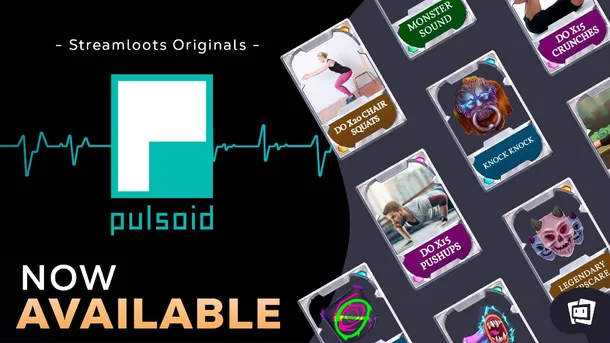
We’ve teamed up with Streamloots to drop something fun: the official Pulsoid Collection is now live! It’s made for streamers who want to get their community more involved and turn every moment into something memorable. The collection mixes some of the wildest cards from Horror and Sports packs, so viewers can hit you with scares, pushups, and challenges right in the middle of your stream. The best part? Everyone gets to watch your heart rate react in real time. It’s a perfect
Take your stream to the next level with the Pulsating Widget! This unique feature mirrors the rhythm of your heartbeat, adding a lifelike and dynamic effect to your content. Whether you’re aiming for a vibrant or subtle vibe, the widget is fully customizable to match your style and branding. Interesting fact: this widget idea came straight from our Discord community—thanks for the awesome suggestion! If you have your own idea, suggest it in our widget-ideas channel on Discord
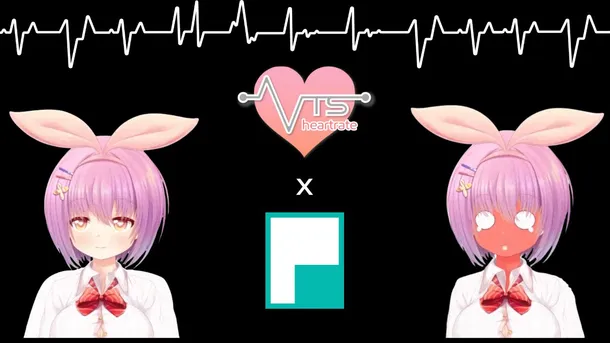
Want to add heart rate tracking to your VTube streams? The VTS-Heartrate plugin is exactly what you’re looking for! It connects your real-time heart rate to your VTube Studio avatar, letting your character react to your pulse during intense moments, scary games, or chill chats. With VTS-Heartrate, your streams become more immersive and fun as your viewers see how calm or excited you are in real time. Whether you want your avatar to blush, look nervous, or just display your pu
The Zone is an unforgiving place, and S.T.A.L.K.E.R. 2: Heart of Chornobyl will push your heart rate to its limits. Every mutant encounter and every anomaly will have your pulse racing – and now, your viewers can experience it with you! Our new BPM widget, inspired by the gritty style of the game, lets your audience see your reactions in real-time. You can customize the device color to fit your setup and configure BPM ranges to dynamically change the heart rate numbers' color
Add a new thrill to your streams with the Guess the Maximum BPM widget! Your viewers can predict your peak BPM during intense moments, adding an extra layer of excitement. For even more interaction, you can enable Twitch’s Prediction feature, letting viewers bet their channel points on their guesses. It’s a fun way to keep your audience engaged and rooting for every heart-pounding second! How it works? Once you’ve set it up, the widget will monitor your BPM during the stream.
Crowd Control is one of the top tools for boosting viewer engagement, allowing audiences to do more than just watch — they get to directly impact the action. By exchanging bits, channel points, or other currency, viewers can cause in-game events like healing the player, summoning enemies, or dialing up the difficulty. This transforms streams into an interactive experience where the audience takes control, making every moment unpredictable and exciting. Now, with Pulsoid’s int
Heart rate integration with avatars via OSC has already captured the attention of VRChat players, and we're taking it a step further. We’re thrilled to introduce a groundbreaking feature that will transform how you experience VRChat: the ability to link your heart rate directly to VRChat worlds. Imagine your virtual environment reacting dynamically to your emotional and physical state, creating an immersive experience like never before. While we’re still working on integratin
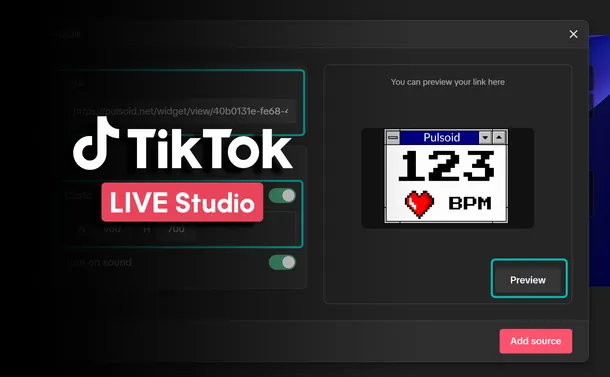
TikTok Live Studio is a live streaming software tailored for TikTok content creators, enabling them to broadcast live video content to their followers and a wider audience. Through TikTok's interactive features, creators can engage with viewers in real-time via comments and virtual gifts, which can be converted into virtual currency. Pulsoid offers the first heart rate tracking solution designed specifically for streamers and gamers. By sharing your heart rate during a live s
There are a number of VRChat OSCs that let you implement your heart rate in the game in some way or another. Each one of them provides an interesting spin on Pulsoid and VRChat integration. This is true for MagicChatbox as well. Among its wide spectrum of neat features like message sharing, showing your current playing Spotify song, and text-to-speech communication the support of displaying the data from your heart rate monitor in VRChat is a very welcome addition. It will he
Elden Ring is a game with some of the toughest bosses. Every fight sends your heart rate through the roof, and every victory excites you like never before. Now, you can share that thrill with your viewers with the new BPM widget! What's more, it's completely free. You can configure the trigger heart rate to match your heart and show your viewers the intensity of the moment. Check out the video to see how it looks. How to add Elden Ring heart rate widget to a stream: Make sure
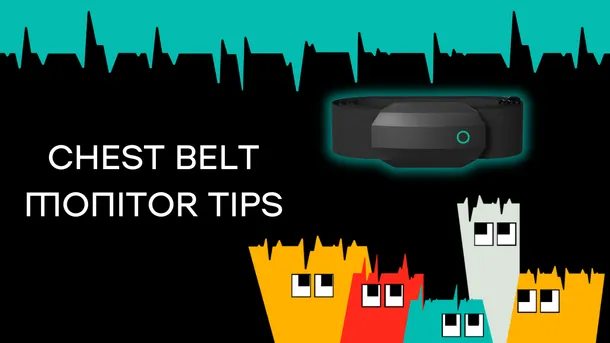
This article gives short recommendations of rules you should follow to get the most out of your heart rate monitor. First of all, congratulations on owning the most accurate heart rate monitoring device as this is especially important and visible when you use this data in real-time. Tips before the first use: Check the device tutorial. I know that manuals are not always read, but in case of a heart rate monitor there are chances you see this type of device for the first time
With Valorant being one of the most played games by Pulsoid users, we've created a new styled heart rate widget. Sometimes heart rate is the only way to know how intense and important the moment is. So, make your aces, clutches, and insane plays even more thrilling for your viewers with the new BPM widget. You can configure the default color, the color after reaching the trigger heart rate, and the trigger heart rate itself to match your unique brand and heart. When the trigg
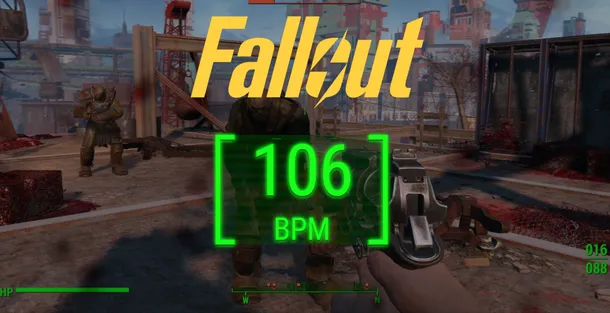
Hey, Pulsoid community! As we gear up for the premiere of the new Amazon Original Series based on Fallout games, we at Pulsoid are thrilled to introduce a special addition to our widget collection: a Fallout-styled heart rate widget! This fresh design not only resonates with the gritty, post-apocalyptic aesthetic of the Fallout universe but also adds an immersive layer to your gaming streams. A Nod to Fallout’s Legacy Fallout has captivated gamers for years with its rich stor
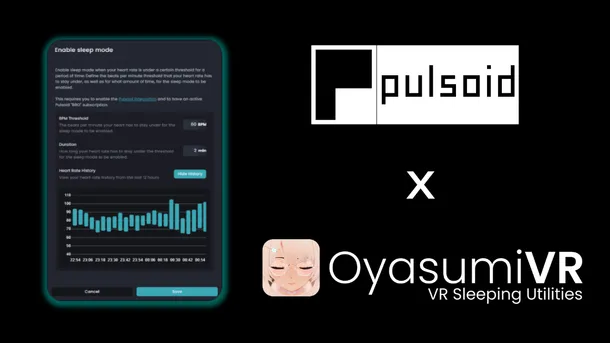
Among all the different variations of software created for VRChat, OyasumiVR has to be one of the more unique ones. This is a desktop application that is designed to provide you with the best possible sleeping experience in VR. It achieves its goal through a variety of automations that let you save energy and create a better sleeping environment by dimming your headset’s brightness, initiating in-game animations to let other players know that you are asleep, taking care of yo
The Pulsoid team believes in convenience as one of the biggest drivers for self-expression. That’s why we keep our set up process as fast and as intuitive as possible. We also try to make all of our widgets self-sufficient, but we would never stop you from mixing and matching as many of them as your heart desires to achieve some cool design and functionality combinations. This is especially true if you consider the sheer number of different types of widgets we have in our eve
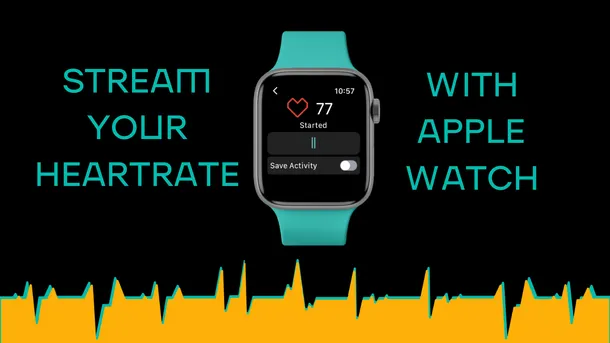
Did you want to try streaming with a heart rate widget but picking up a separate device is something you are not ready for? Well, your entry point into the world of Pulsoid may be at your hand’s reach. Even better than that, it in fact may already be ON your hand. We are talking about Apple Watches here! While it’s by no means the most affordable way to track your heart rate compared to dedicated monitors that can start at as low as $30, it nevertheless is the most popular wa
Want to express yourself better to your viewers? Then just add your real-time heart rate on Twitch, YouTube, or Kick stream with your Huawei Band. What is more, you can easily configure 60+ widgets on the Configuration page to match your unique style. Check below for the list of devices supported by Pulsoid and a tutorial on how to show your heart rate on stream with Huawei Band. Note: We still strongly recommend using a dedicated heart rate monitoring belt or armband for bet
Pulsoid has always strived to give streamers access to a big toolbox for them to play around with on their streams. You know… To mix it up a little👀 Ok, enough with puns. You’ve seen the title image and the headline. Be ready to elevate your content to the next level. Pulsoid, your go-to tool for broadcasting real-time heart rate data, has now integrated seamlessly with Mix It Up, the all-in-one streaming assistant loved by content creators worldwide. Mix It Up is well renow