Device Setup Guides
How to show heart rate on stream using Fitbit Air
Connect Google Fitbit Air to Pulsoid on iPhone, Android, or Windows. Show your live heart rate on Twitch, YouTube, Kick, OBS, VRChat, or in Geometry Dash.

Connect Google Fitbit Air to Pulsoid on iPhone, Android, or Windows. Show your live heart rate on Twitch, YouTube, Kick, OBS, VRChat, or in Geometry Dash.
Want to use your AirPods Pro 3 as a heart rate monitor for streaming? With Pulsoid, you can track your BPM in real time and show it on Twitch, YouTube, Kick, or any other streaming platform. This guide shows how to connect AirPods Pro 3 to Pulsoid and display your heart rate on stream in just a few minutes. How to Connect AirPods Pro 3 to Pulsoid Install the free Pulsoid iOS app Create a Pulsoid account Open the app and select AirPods Pro 3 from the Devices list Tap “Start” A
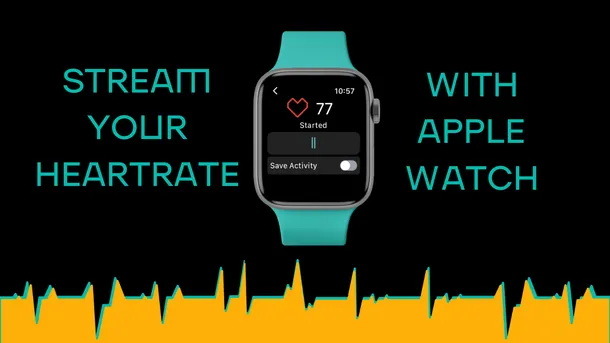
Did you want to try streaming with a heart rate widget but picking up a separate device is something you are not ready for? Well, your entry point into the world of Pulsoid may be at your hand’s reach. Even better than that, it in fact may already be ON your hand. We are talking about Apple Watches here! While it’s by no means the most affordable way to track your heart rate compared to dedicated monitors that can start at as low as $30, it nevertheless is the most popular wa
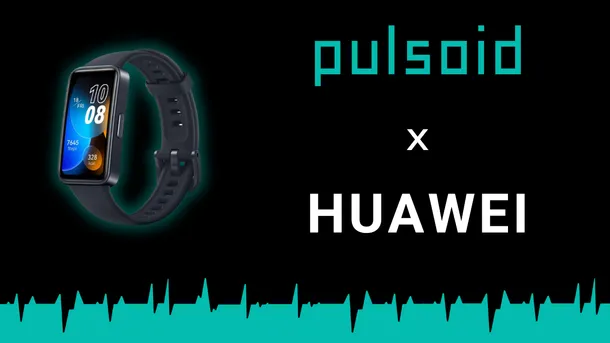
Want to express yourself better to your viewers? Then just add your real-time heart rate on Twitch, YouTube, or Kick stream with your Huawei Band. What is more, you can easily configure 60+ widgets on the Configuration page to match your unique style. Check below for the list of devices supported by Pulsoid and a tutorial on how to show your heart rate on stream with Huawei Band. Note: We still strongly recommend using a dedicated heart rate monitoring belt or armband for bet
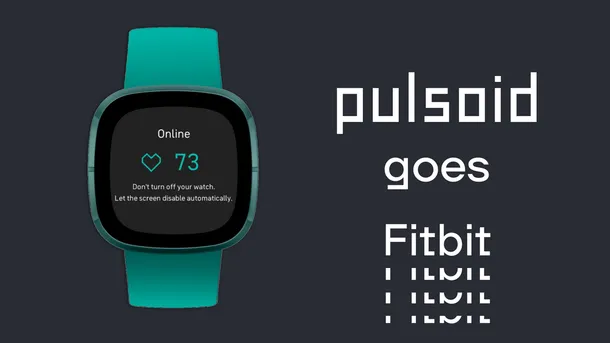
Important: We do not recommend purchasing a Fitbit watch specifically for heart rate streaming, as support for third-party apps is not available in Europe. Similar limitations may be introduced in other regions or on other devices at any time. Check out a supported heart rate monitor list if you are looking for a new device.Since Google has been migrating Fitbit to the new Google Health platform, support for Fitbit devices has been affected and is currently not working proper
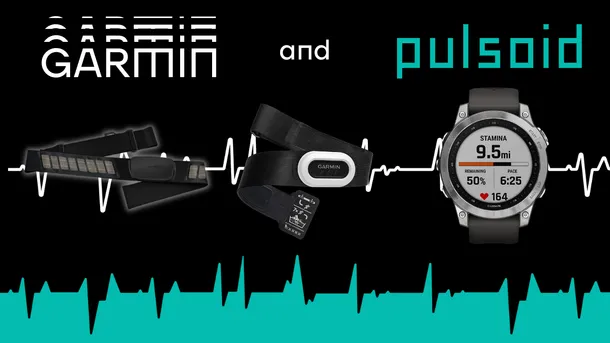
Garmin devices are a great choice for athletes all around the world. Now, they're also suitable for streamers! All this because you can display your heart rate on the stream with Pulsoid. So if you already use a Garmin heart rate monitor or watch, check below for all supported devices: Garmin Heart Rate monitors Using HR-monitors is the best way to show your heart rate on stream. We recommend it because of its high accuracy. You and your audience will be satisfied, we promise
From now on Wear OS (Android) watches are natively supported by Pulsoid. The list of supported WearOS devices includes Samsung Watch 4, 5, 6, Google Pixel watch, Mobvoi TicWatch, Fossil watches, and more. Download Pulsoid Android app, grab your WearOS device, log in and you are good to go. Start showing your heart rate on Twitch, YouTube, Trovo, and Facebook live stream within a minute. Easily configure any of 60+ unique widgets on the Configuration page and add them as a Bro
We’ve got some good news for Amazon Halo users. Although it may not be the most optimal solution for streaming with your heart rate on display, it's now totally possible to do if you have Amazon Halo on your hands (pan totally intended)😉 There are a few simple steps to set everything up. 1. Open your Amazon Halo app and move to the Settings tab. 2. Scroll down till you see the Heart rate sharing option and tap it. 3. Enable the Share heart rate data option. 4. Now your devic
Learn how to connect your Amazfit smartwatch to Pulsoid and display your live heart rate on Twitch, Kick, or YouTube.