How to Add a Geometry Dash Heart Rate Widget to Your Stream

The Geometry Dash Heart Rate Widget is a live heart rate overlay that lets you display your BPM while streaming on Twitch, YouTube, or Kick. Inspired by the game’s iconic style, the widget works with OBS, Streamlabs, XSplit, and other streaming software, making your gameplay more interactive for viewers.
Customizing Your BPM Overlay for Geometry Dash
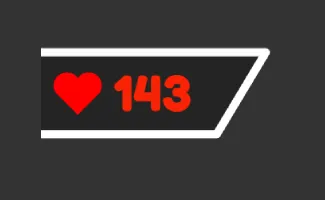
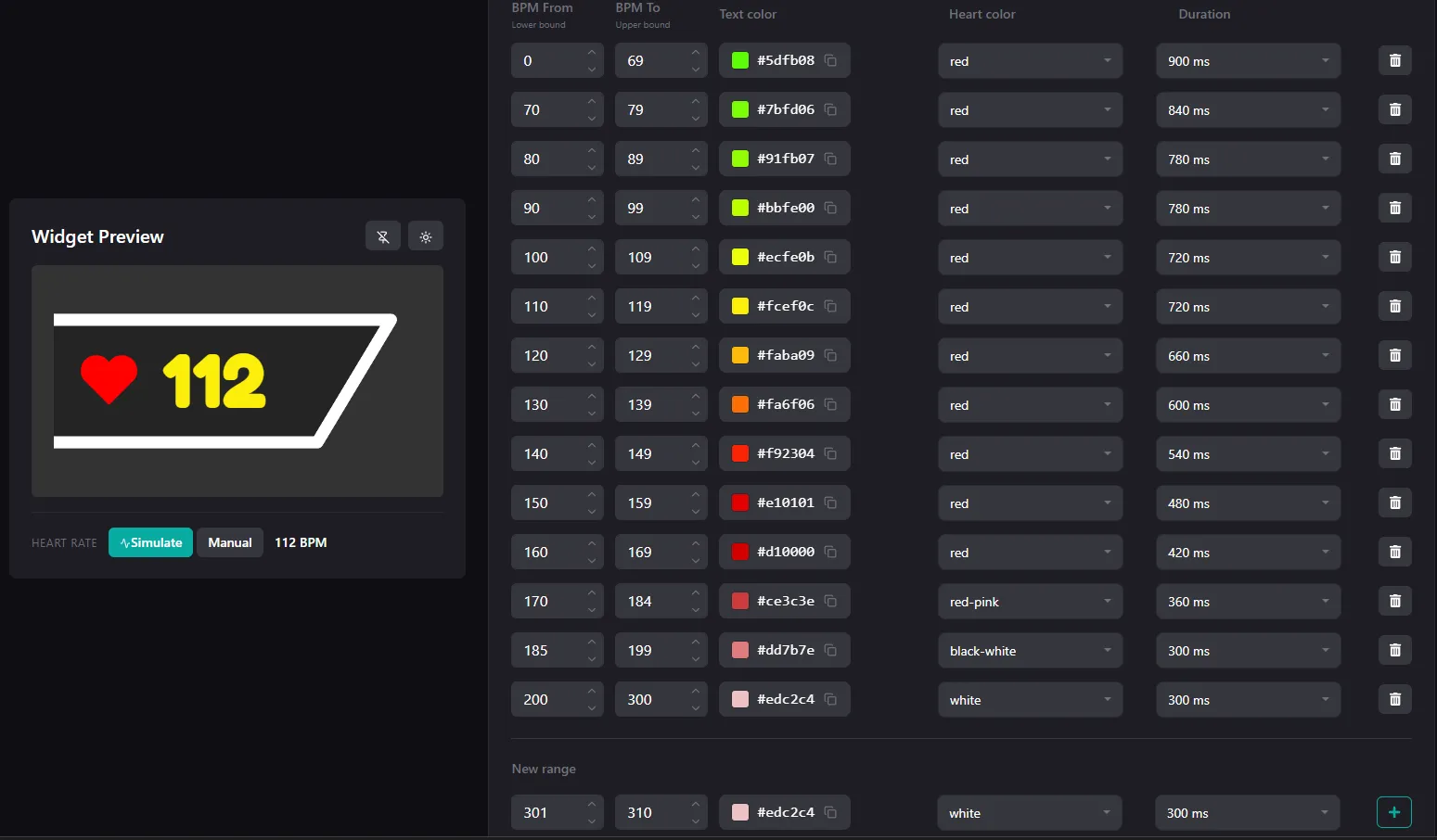
The Pulsoid widget includes several customization features that let you personalize the heart rate overlay to match your stream:
- Set custom BPM ranges
- Change the heart icon speed and animation style
- Customize the widget font
- Show or hide the widget frame
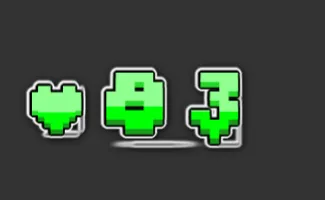
Setting Up the Geometry Dash Heart Rate Widget on Your Stream
Follow these steps to display your live heart rate in Geometry Dash using the Pulsoid widget and your favorite streaming software:
-
Get a supported heart rate monitor or smartwatch. Pulsoid supports Bluetooth heart rate monitors, Apple Watch, Wear OS smartwatches, Garmin devices, and many other compatible wearables.
-
Create a free Pulsoid account
-
Download the Pulsoid app to your IOS or Android smartphone, or download the Windows app
-
Connect your heart rate monitoring device in the Pulsoid app. If you have trouble connecting, follow our troubleshooting guide
-
Customize your heart rate widget to match your stream overlay. Don’t forget to click “Save settings”
-
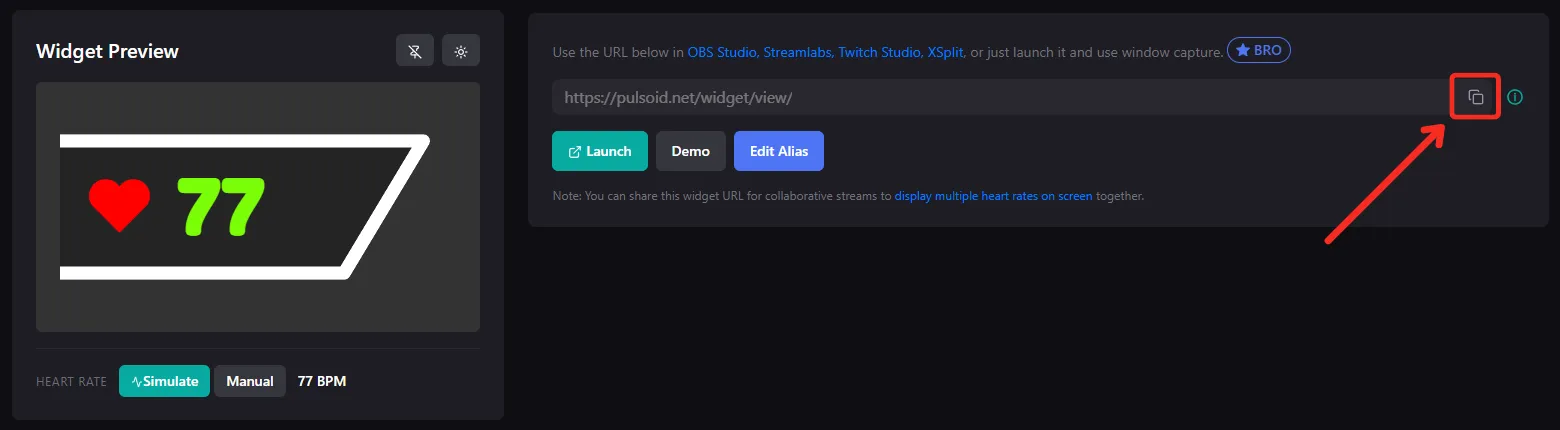
Copy your widget’s URL
-
Add the widget URL as a Browser Source in OBS, Streamlabs, XSplit, or other streaming software.
Your live heart rate overlay is now ready. Start streaming Geometry Dash and let your viewers watch every intense moment in real time.
How to Show Your Heart Rate in Geometry Dash with GDPulse Mod:
GDPulse is a Geometry Dash mod that displays your live heart rate directly inside the game instead of using a stream overlay. After connecting your heart rate monitor or smartwatch through Pulsoid, your current BPM appears in real time during gameplay. You can also enable gameplay challenges, such as failing the level when your heart rate reaches a custom BPM threshold, making each level even more intense.
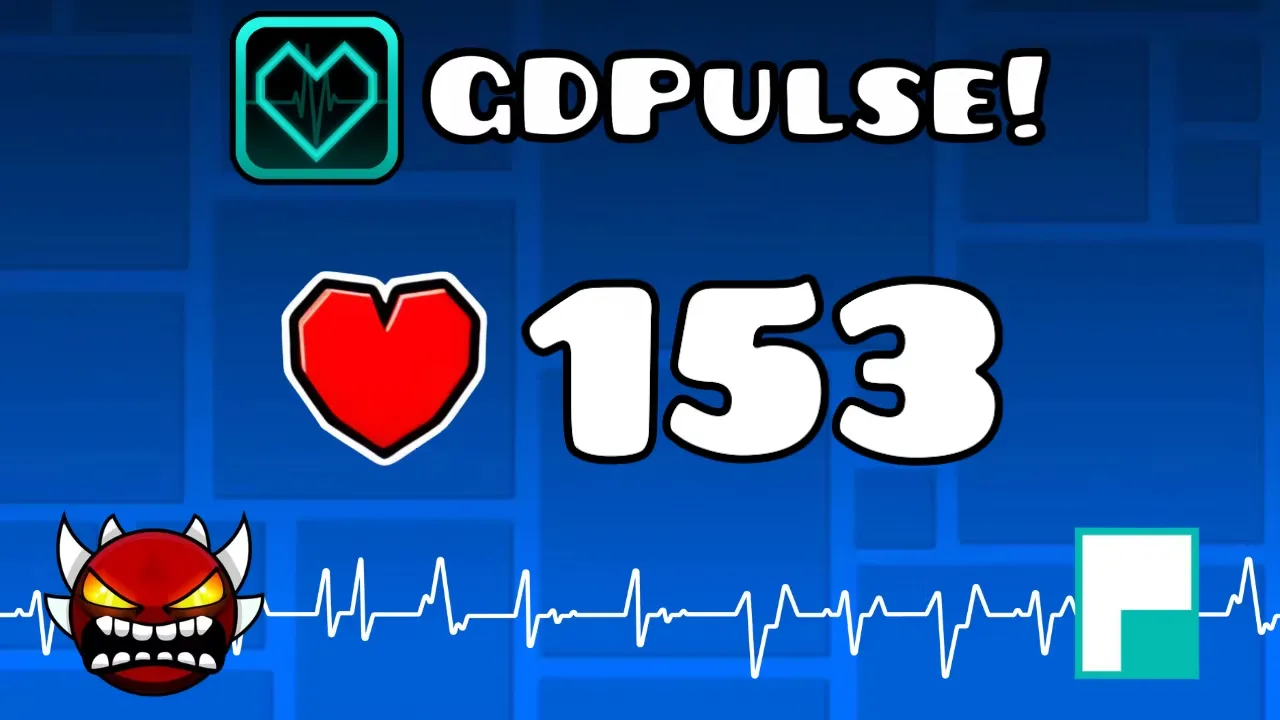
Once everything is set up, your live heart rate will appear on your Geometry Dash stream or inside the game with GDPulse. Whether you’re trying to beat difficult levels or create more engaging content, showing your BPM adds another layer of excitement for both you and your viewers.